
Google Analytics 4 vs. On-Premise Alternatives
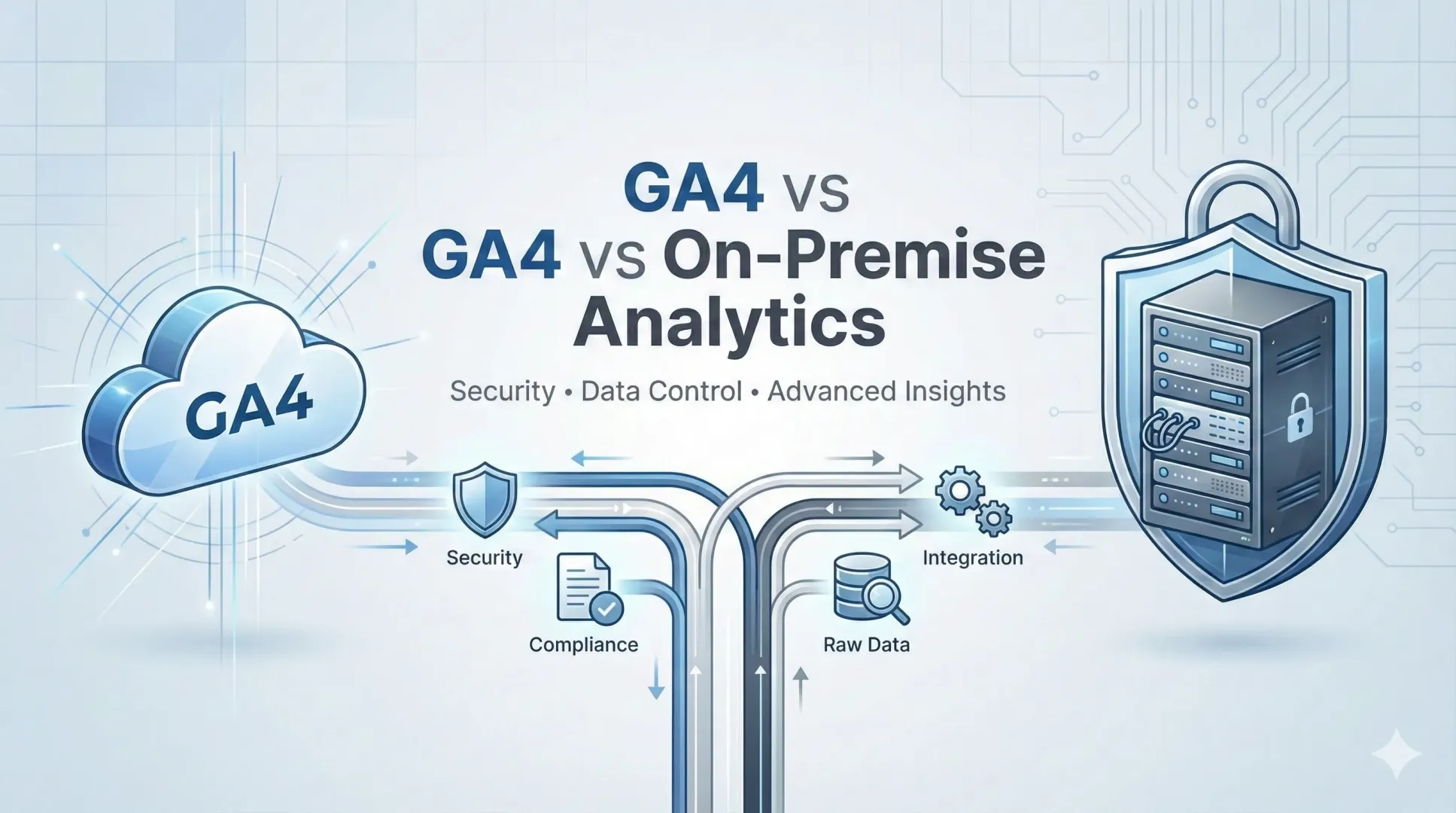
Web analytics alternatives for enterprises
The transition from Universal Analytics to Google Analytics 4 (GA4) proved challenging for many companies in 2023. According to a survey conducted in mid-2023, only 23% of marketers reported having fully migrated to GA4, while the majority were still in the learning phase or running multiple solutions in parallel. GA4 introduced fundamental changes in data modeling (an event-driven approach) and shifted analytics toward unified tracking across websites and mobile apps.
In an enterprise environment, however, decision-making typically does not revolve around “how quickly to deploy tracking,” but rather around three strategic questions:
-
Where is the data physically stored, and who has control over it?
-
How easily can we integrate them with internal data and use them for advanced analytics?
-
What risks (security, compliance, operational) does the solution entail?
This article summarizes the areas in which GA4 typically falls short compared to alternative tools—particularly on-premise solutions (e.g., Matomo On-Premise, private deployments of Piwik PRO) and enterprise platforms (e.g., Adobe Analytics)—and when it makes sense to supplement or replace GA4.
Operating Model: Cloud vs. On-Premise and Data Sovereignty
GA4 is a cloud service operated by Google. It offers rapid deployment, minimal maintenance, and automatic scaling. At the same time, however, this means that analytical data leaves the organization’s infrastructure and is processed in a third-party environment.
In an enterprise environment, the decisive factor is often whether you can demonstrate control over the entire data flow (collection → transport → storage → access → archiving/deletion) and align it with internal security policies.
On-premise or private deployment alternatives (e.g., Matomo On-Premise, private deployment of Piwik PRO) allow analytics to run on your own servers or in a private cloud. Typical benefits:
-
Data sovereignty: full ownership of data and the ability to manage its entire lifecycle (collection, storage, archiving, and deletion).
-
Integration into the security architecture: use of internal IAM, network segmentation, encryption, key management, audit trails, and log management.
-
Enforceability of rules: clear boundaries regarding where data is located and who manages it (important for audits, legal assessments, and risk management).
The downside of an on-premises approach is the greater responsibility for operations: infrastructure, updates, backups, monitoring, performance, and hardening. However, for critical systems, this is the standard operational model in enterprise organizations.
Advanced analytical features: treating data as an asset
GA4 is a modern, event-based analytics platform. It covers a wide range of typical scenarios for basic marketing and product needs. In enterprise settings, however, key features often go beyond reporting to include data management, integrations, and analytical flexibility.
Long-term retention and historical analysis
For organizations with longer purchasing cycles, seasonal fluctuations, or regulatory requirements, it is common to analyze behavior over a period of several years. This often results in a discrepancy between:
-
„I have a report“ (short-term operational overview)
-
„I have historical data“ (a stable data asset for strategic analyses and models)
With GA4, historical analysis of detailed data is often handled by exporting the data to a separate storage system and building an additional integration layer. On-premise analytics stores data within your environment, and you determine the retention period yourself. Historical analysis thus becomes a natural part of your workflow, rather than an “extra project.”
Access to raw data and schema flexibility
If you want to:
-
integrate web analytics into the data warehouse/lakehouse,
-
perform advanced segmentation on detailed events,
-
link web data with CRM and transactions,
-
build your own models (e.g., propensity, churn, LTV),
In that case, reliable and complete access to raw data is essential.
GA4 allows you to export data to an external storage solution, but in an enterprise setting, this often means another system, additional costs, and more operational responsibility. On-premises alternatives typically allow direct access to data (databases, APIs, exports) while providing greater control over data structure and flow in accordance with internal standards.
Extensibility and Additional Features
Alternative platforms may offer features that GA4 either lacks or addresses only indirectly:
-
meticulous work involving data consent and data minimization,
-
advanced roles and audit trails,
-
extensions via plugins or custom development,
-
Operational integration (logs, monitoring, alerting) in accordance with internal DevSecOps procedures.
Security, Privacy, and Compliance
In enterprise environments, web analytics is increasingly viewed as an integral part of the data platform and security architecture. It is not merely a “marketing tool,” but a system that collects data on user behavior and can influence both decision-making and automation processes.
From a security perspective, three layers are key:
-
Data flow: where data is generated and where it flows (organizational boundaries, regions, data departments).
-
Identity and identifiers: pseudonymization, data minimization, internal identity model.
-
Access control: role-based access, auditing, separation of duties.
An on-premises deployment allows you to apply the same principles you use for other internal systems: private networks, VPNs, zero-trust access, role-based access control, encryption “at rest” and “in transit,” and verifiable auditability.
In the European context, moreover, some organizations prefer to keep web analytics under direct control due to legal and regulatory uncertainties associated with transferring data to external providers. Although technical and contractual measures exist, the principle of minimizing exposure is often the deciding factor for highly regulated entities.
Advanced Scenarios: BI, Data Science, and AI
GA4 offers integrations with the Google ecosystem and some advanced features. In enterprise settings, however, you often need:
-
integrate web data into a centralized data platform,
-
link web events with internal data (CRM, transactions, contact centers, applications),
-
create custom segments and activate them in campaigns or personalization,
-
build your own models within the organization's environment (e.g., Azure ML, Databricks, Spark, Python),
-
work with data in near-real-time (streaming) mode to support operational decision-making.
From this perspective, web analytics is just one source of data. What matters most is how easily you can consolidate, standardize, and quality-check the data, and run analytical and AI scenarios on it.
In practice, therefore, a hybrid architecture is often adopted:
-
GA4 as a quick solution for standard marketing needs.
-
Parallel data collection into an on-premises or private cloud environment for advanced BI, data science, and compliance.
When is it worth supplementing GA4 or replacing it with another tool
Enterprise organizations most often choose an alternative (or hybrid) approach in the following situations:
-
Do you need to work with detailed data over the long term without relying on exports or external storage?
-
You must store your data in a specific location (the EU, a specific country, a specific data center) or in separate instances by division.
-
You require full control over data flow and security architecture (audits, forensic traceability, internal standards, regulations).
-
Do you want full access to raw data and your own schema, and to integrate analytics directly into the DWH/lakehouse?
-
You build advanced scenarios (CDP, personalization, multi-touch attribution using a custom model, predictive analytics, and online/offline integration).
Recommended Decision-Making Framework
When choosing a tool (GA4 vs. on-premise/enterprise alternatives), it is advisable to evaluate solutions based on several criteria:
-
Data sovereignty: where data is stored, who manages it, and what safeguards are in place.
-
Security and compliance: audits, roles, encryption, regional requirements.
-
Data architecture: raw data availability, integration into a data warehouse/lakehouse, streaming.
-
Extensibility and suitability for use cases: plugins, APIs, customization options.
-
TCO and Operations: licenses, infrastructure, operations team, SLAs, support.
In an enterprise environment, the goal is not to choose the “cheapest tool,” but to select a model that minimizes risks and maximizes data usability.
Conclusion
GA4 is a powerful tool for standard web analytics and will continue to serve as a suitable foundation for many organizations. For enterprise companies, however, the deciding factors are often security requirements, data control, the ability to work with detailed events over the long term, and integration into their own data platform.
For this reason, in practice, either of the following is used:
-
an on-premises/private deployment option (where compliance and control are paramount), or
-
a hybrid approach, where GA4 is used for real-time insights while an internal data pipeline is simultaneously built for BI, data science, and AI use cases.
In both cases, web analytics is most valuable when it is tightly integrated into a broader data architecture—from data collection and quality to the application of insights in marketing, product development, and business management.